Before You Download a Live Recording with Y2Mate
A live recording can include far more than the song named in its title. There may be a spoken introduction, audience applause, a longer instrumental passage, or several tracks performed together. Before choosing a file with Y2Mate, decide whether those details are part of the experience you want. Matching the performance matters more than choosing the largest output label.
For a live MP3 download, the key checks are the source, running time, audible content, and permission for your intended use. If the stage performance or visual demonstration matters, consider an offered video option instead of assuming that audio will preserve everything useful.
Identify the performance before the format
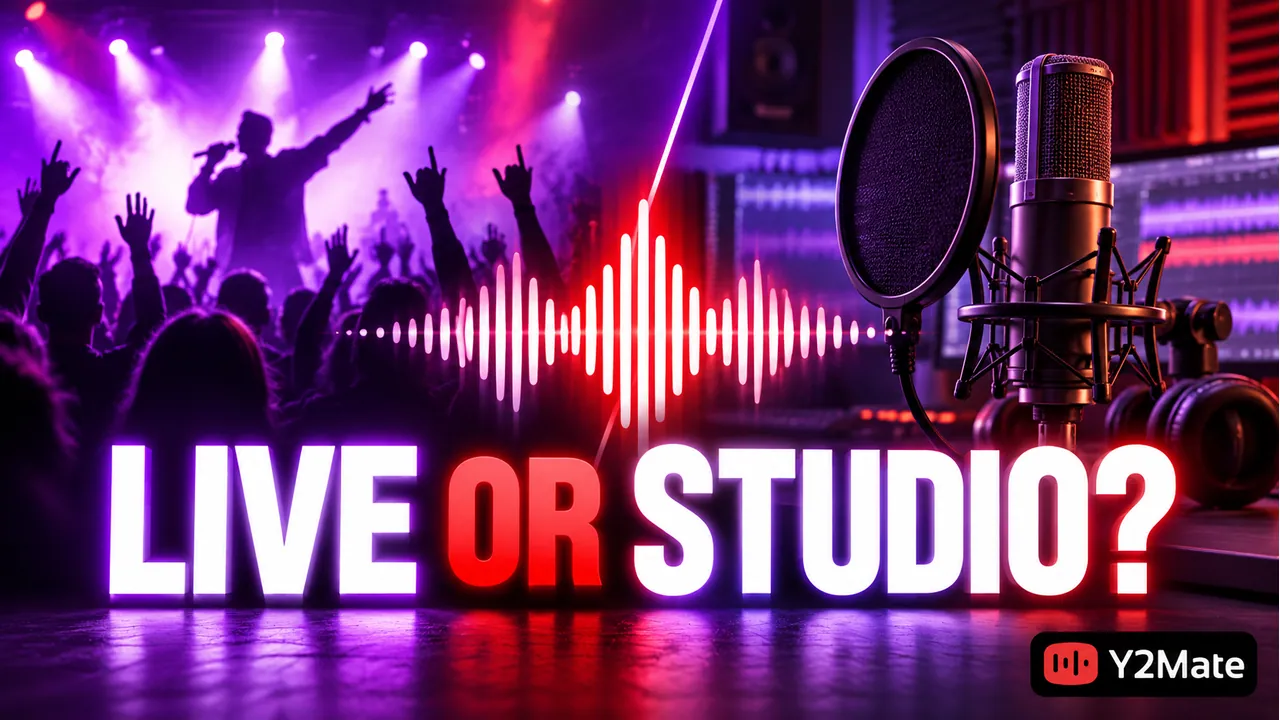
A concert song and its studio version can share a title while differing in arrangement, pace, vocals, and length. The performer may introduce the song, change a section, or invite the crowd to sing. These differences are not necessarily faults. They are reasons to choose deliberately.
Check the upload's description and visible identifying details when available. A date, venue, session name, or “acoustic” label can help distinguish recordings, but an uploader's label alone does not establish authenticity. Preview the original source if there is uncertainty.
If a title gives you several plausible versions, use the result-matching checklist. It helps separate a cover, studio track, and live performance before you commit to a download. When you already have the correct upload open, copying its video link is a more specific starting point than a broad search.
Listen for the parts you want to keep
Check the opening, a section around the main performance, and the end. A recording may begin with silence or commentary, and its last minute may be mostly applause. Another upload may start halfway through the song or fade out before the performance finishes.
Suppose you want a live rendition of a three-minute studio track. A six-minute source might contain the complete performance plus an introduction and applause. A two-minute source might be only an excerpt. Comparing those lengths with a short preview is more useful than assuming the shorter file is cleaner or the longer one is complete.
- Is this the intended artist and performance, rather than a similarly named cover?
- Does the source include the beginning and ending you need?
- Are spoken sections, crowd noise, or pauses acceptable for your purpose?
- Does the title describe one song while the video contains a longer set?
Do not assume a general converter includes trimming, noise removal, or vocal isolation. If a feature is not clearly offered and verified, choose a source that already suits the task.
Decide whether the picture adds important context
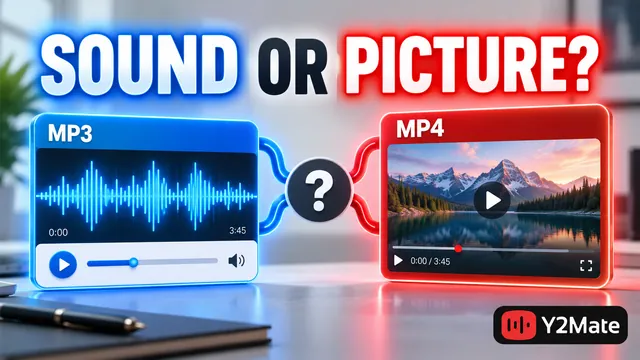
MP3 keeps an audio-focused result. That can be convenient when your interest is the performance's sound, but it does not retain stage movement, instrument positions, or written details on screen. A musician's demonstration may lose essential information when reduced to audio.
An offered MP4 option is more appropriate when you need the picture as well. Check that the saved video plays with the expected sound, rather than assuming a familiar extension guarantees the complete result. The YouTube Downloader page offers a format-neutral starting point for reviewing the available choices.
Also consider how you will use the recording. Listening during a permitted practice session and watching a visual technique demonstration are different tasks. Choose the file for the task, not simply because video has a higher-looking resolution label.
Keep realistic expectations about live sound
Live sources may contain room sound, crowd reactions, microphone distortion, or uneven volume. Encoding the recording as MP3 does not automatically remove those characteristics. A higher output bitrate cannot turn a distant phone recording into a clean studio master.
If the source itself is unclear, look for an authorized, better-suited recording rather than repeatedly converting the same one. A converter can prepare a file from an available source; it cannot supply a performance that was never captured or reconstruct every missing detail.
When comparing versions, use a comfortable playback level. Differences in loudness can make one file seem more impressive at first, even when it contains the same recording. Listen for the content you need and any obvious interruption, rather than judging by a file-size number alone.
Check permissions and the saved result
A public live video is not a universal license to download or republish its audio. The performance, song, recording, and upload can involve different rights. Check the conditions relevant to your intended use, especially if you plan to publish the recording in another project.
The music-permission checklist explains why access, attribution, and reuse permission should not be treated as the same thing. When permission is uncertain, ask the appropriate rightsholder rather than assuming a concert upload is free to use.
After saving, verify that the local file contains the selected performance and the expected length. Keep a clear version label in the filename once you have confirmed playback. “Live session” plus a useful identifying detail is easier to manage than several numbered copies of the same song title.
Frequently asked questions
Can an MP3 option remove audience noise?
Not simply by being MP3. Crowd sound is part of the source recording. Do not expect cleanup, trimming, or isolation unless a separate, clearly described feature is actually provided.
Is a longer live upload always the complete song?
No. It may include commentary, repeated sections, or multiple tracks. Preview the relevant parts and check the source, rather than deciding from length alone.
Should I save MP3 or MP4 for a performance lesson?
Choose based on what carries the lesson. Audio may be enough for listening, while visible technique and stage demonstrations need the picture. Then verify the actual file you saved.