
A Large MP4 Will Not Copy to USB: Check the File System
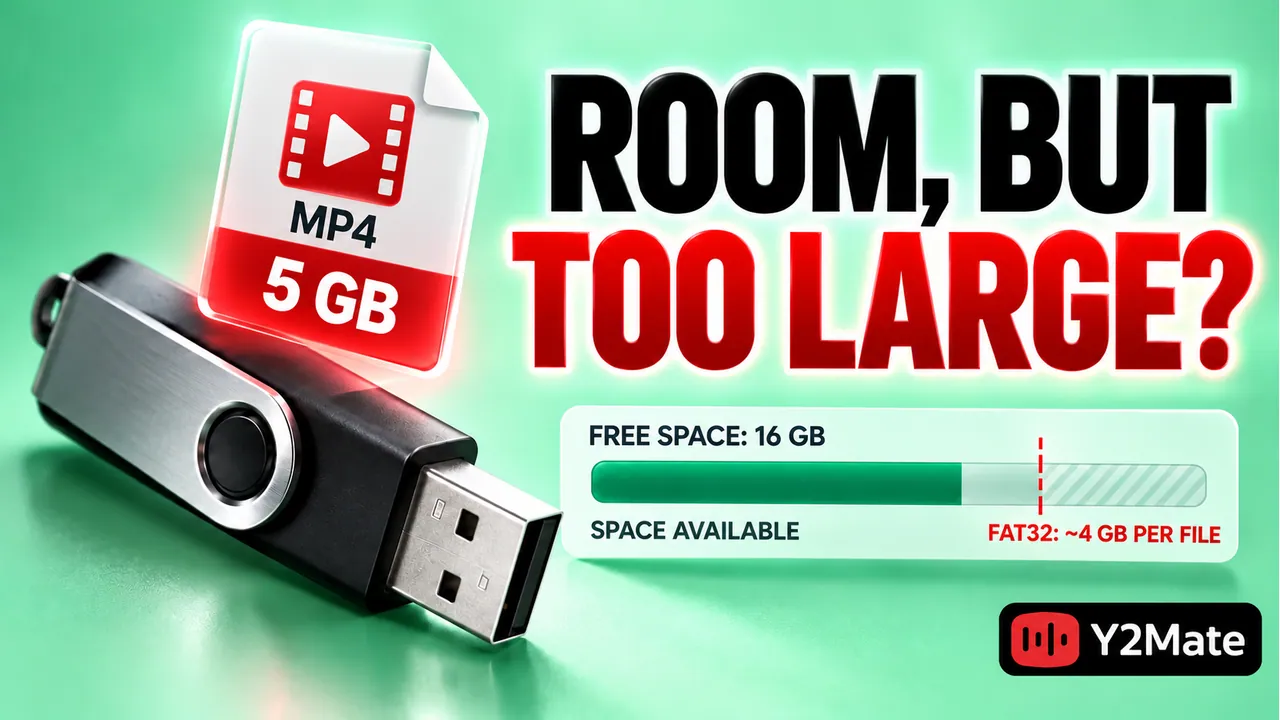
A USB drive can have enough free space and still refuse one large video file. The drive's file system may limit the size of an individual file independently of its total capacity. If an MP4 downloaded through Y2Mate plays on your computer but cannot be copied to a USB drive, check the destination's format and the exact error before downloading the video again or changing the drive.
This matters because the common quick fix, formatting the USB drive, can erase existing data. A failed copy is not a reason to rush into that operation. First determine whether you have a file-size limit, insufficient space, a write restriction, a connection problem, or an incomplete media file. Those are different faults with different safe next steps.
Distinguish capacity from maximum file size
Free capacity describes how much unused storage the drive has overall. A single-file limit describes the largest individual item that its file system can store. Both conditions must be satisfied for a copy to work. A drive with many gigabytes available can therefore reject one video even though several smaller files would fit.
FAT32 has an individual-file limit of approximately 4 GB. A long or high-bitrate MP4 can exceed that limit. This does not mean the drive is physically too small, and it does not mean the video's .mp4 extension is wrong. The restriction applies to the size of the single saved object.
Suppose a drive has 12 GB free and a completed video is 5 GB. Total free space looks sufficient, but FAT32's individual-file limit still matters. Deleting another small file would create more free capacity without removing that limit. Check the actual file system rather than repeatedly clearing space and retrying the same copy.
Inspect the destination and the original
Use your operating system's drive information or properties view to identify the file system and free space. Confirm that you are inspecting the USB drive you intended, not another disk with a similar name. Also check the video's actual size in the file manager. Use those facts together with the reported error.
Play the original MP4 on the computer before treating the copy issue as a converter problem. Check a passage near the end as well as the beginning. If the browser transfer is incomplete or the local file does not play, resolve that first. A destination-drive diagnosis assumes that a usable source file exists.
The YouTube to MP4 page starts a video download workflow, but a successful local transfer and a successful USB copy are separate operations. The conversion page does not control the file system of a drive connected to your computer.
- Read the exact copy error and note whether it concerns size, space, or access.
- Check the completed MP4's size and local playback.
- Identify the intended USB drive and inspect its file system.
- Confirm adequate free capacity as a separate requirement.
- Keep the original file until a copied version is verified.
Choose a safe way to store the video
One option is to use a different drive whose file system supports the file's size and whose format is supported by the device that will play it. Check both requirements. A drive that works on your computer may not be readable by an older television or car entertainment system.
Another option is a smaller permitted video output, if the selected source actually offers one that still meets your needs. The practical MP4 selection checklist explains how picture detail, viewing size, and storage constraints fit together. Choosing a smaller file should be an informed compromise, not an assumption that a particular resolution is always available.
Renaming the MP4 does not reduce its size. Nor does adding a different extension remove the destination's limit. Be cautious about instructions to split a file into arbitrary pieces: the resulting parts may not be ordinary playable video files, and a playback device may not know how to reconstruct them.
Treat formatting as a separate destructive decision
Formatting or repartitioning changes the drive rather than repairing the downloaded video. It can remove documents, photos, and other media already stored there. Do not perform it casually because a download page or forum suggests that it is the fastest answer to one failed copy.
If you later decide that a different format is appropriate, first preserve and verify everything you need from the drive, confirm the exact target, and check compatibility with the intended playback device. This article deliberately does not provide a formatting command. A verified alternative destination is often a simpler way to finish the immediate task.
When copying between folders or drives, the safe media-copy checklist provides a useful rule: verify the destination copy before removing the only known-good original. Keep that rule even when the USB drive reports that copying has finished.
Test the copy where you plan to use it
After a copy succeeds, open the file from the USB drive itself. Confirm the same recording, duration, picture, and sound. Then test it on the device that will actually play it. This can reveal a device-format issue that was not apparent on the computer, without confusing it with the earlier single-file limit.
Do not unplug the drive while data is still being written. Use your system's supported safe-removal control when appropriate. Keep the local original until the destination and playback checks are complete, especially if the video would be difficult to obtain again.
Frequently asked questions
Why can smaller videos copy when this one cannot?
They may fit below the individual-file limit while the larger item exceeds it. Check file sizes and the destination format. Successful small copies do not prove that every larger file can be stored there.
Will more free space fix a FAT32 file-size limit?
No. Free capacity and maximum individual-file size are separate. Removing other items can help a space shortage, but it does not change that file system's single-file limit.
Does the failed USB copy mean I must convert again?
Not necessarily. If the original plays correctly, investigate the destination first. Repeating conversion can create another identical-sized file without solving the USB drive's restriction.