Pick an MP4 Download for a Small Phone Screen
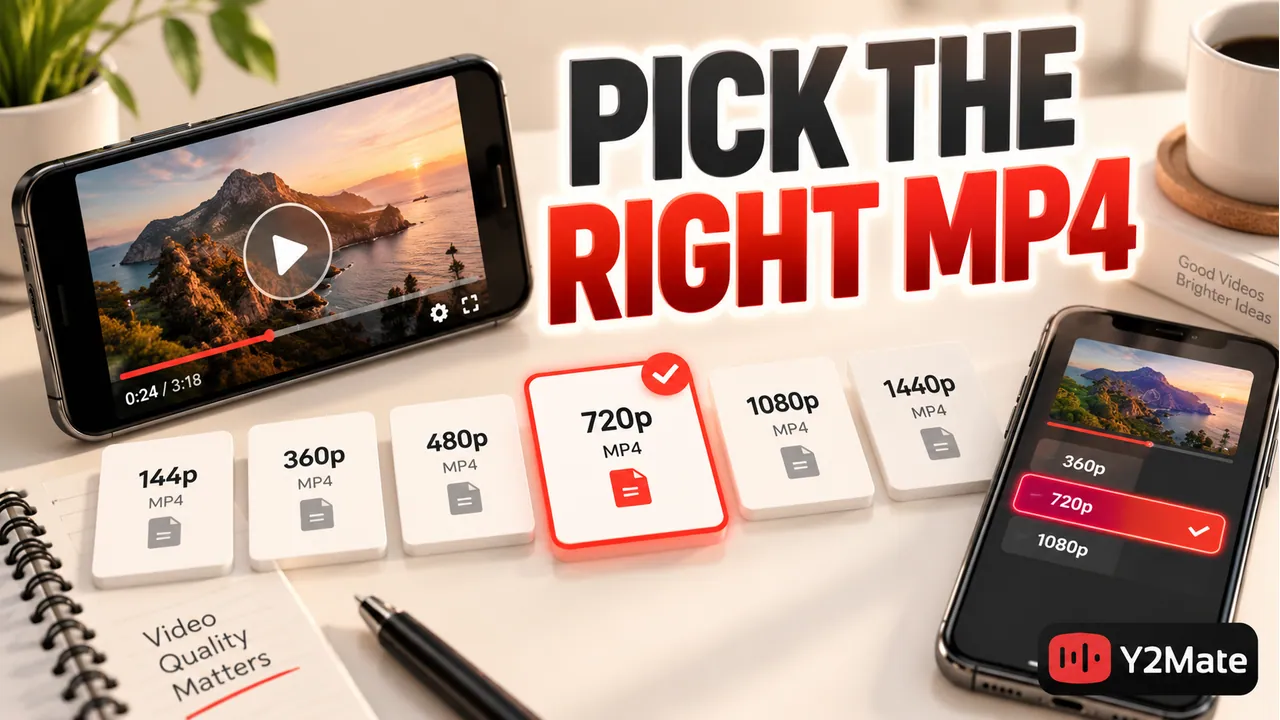
For a phone, the most useful MP4 download is one that keeps the details you need readable and plays reliably without consuming more storage than necessary. The highest resolution label is not always the best practical choice. Start with the options offered for your source on Y2Mate, then judge them against the content and the device where you will watch.
A talking-head clip, a fast-moving performance, and a screen-recorded lesson have different needs. A small screen does not make every difference invisible, but it changes how you should balance picture detail, file size, and everyday playback.
Decide what you need to see
Look for the smallest important detail in the source. For a spoken interview, recognizing the speaker and following the conversation may be enough. A spreadsheet lesson could require reading narrow labels. A practical demonstration may depend on a hand movement that occupies only a small part of the picture.
Preview the video at approximately the size you expect to use. If you need to zoom in to read essential text, consider an offered option that keeps it clearer. A higher pixel count may help in some cases, but it cannot guarantee legibility when the original recording is blurred or the text is tiny.
If the picture adds no useful information, an audio option may suit the task better. Do not save video solely because it looks like the default. The tutorial format checklist helps distinguish spoken content from lessons that need visible steps.
Read resolution as context, not a quality score
Resolution describes image dimensions. It does not summarize everything about the recording. Focus, camera movement, source quality, encoding, and the scene itself can affect what you actually see.
A larger video can retain more detail when that detail exists in the source, but a larger output label does not create a sharper original. Likewise, a smaller file can be adequate for a simple scene while losing important information in a dense demonstration.
Compare only choices that are actually available for the current video. Do not assume an option seen on another upload will appear here, and do not infer a complete format list from a search result thumbnail. The provided choices, not an imagined maximum setting, are your starting point.
Allow for file size and storage
Video size depends on more than resolution. Duration, video and audio encoding, and the amount of data used over time all contribute. A short, detailed clip can be smaller than a long, simple recording, while two equally long videos can have very different sizes.
If a displayed file-size estimate is available, use it to plan storage, but check the actual completed file later. Leave working room on the phone rather than trying to fill it to the last free byte. You may need space for other downloads, app activity, or a second verified copy while organizing files.
- Save the videos you intend to use, not every plausible search result.
- Prioritize readable content over the biggest number.
- Check available space before beginning a long download.
- Keep a useful filename so you do not accidentally save the same source repeatedly.
The Tubidy page offers a mobile-oriented entry point on this site. It does not replace your phone's file manager or guarantee a particular output for every video.
Check shape, sound, and movement
Open the local MP4 after the browser finishes saving. Watch a section containing the details that motivated your choice, such as text, motion, or an instruction. Confirm that sound is present when expected and that playback continues beyond the opening.
For a vertical source, check that the picture remains upright and that the player is not cutting off important content. The article on vertical video orientation explains why empty side areas and stretching are different issues.
A filename ending in MP4 is not a universal playback guarantee. The file contains encoded media, and the player must be able to handle it. If one app cannot play the result, compare it in another compatible player and verify the file before assuming that a different resolution alone will solve the problem.
Use a small comparison instead of a large batch
When uncertain, begin with one permitted short recording. Check whether its important details are visible and whether you can find and open the file easily. That gives you more useful information than filling storage with several long videos before examining any result.
If two offered options are available, compare the same section at a similar viewing size. Keep the result that satisfies your needs. Do not choose solely from loudness, a bigger filename suffix, or the expectation that the most expensive-looking label must be superior.
Remember to check permissions for the source and your intended use. A phone-friendly format changes how you consume the file, not the rights attached to its contents.
Frequently asked questions
Should I always choose the highest video resolution?
No. Choose enough detail for the task while considering file size and playback. A higher label does not fix a poor source or make every small-screen task easier.
Can I predict MP4 size from resolution alone?
No. Duration and encoding also matter. Use an offered size estimate where available, leave storage headroom, and check the actual saved file.
Is audio enough for every tutorial?
No. If the instructions rely on screen text, diagrams, gestures, or movement, keep video. Audio is appropriate only when the spoken explanation supplies what you need.