Save a Short Vertical Video and Check Its Orientation
A vertical video should still be comfortable to watch after you save it. Before selecting an MP4 option, check the source's shape, the details you want to keep, and how the result plays on your device. With Y2Mate, use an accepted video link and review the options actually returned for that source. Do not assume that every short-video URL or every resolution is supported.
The important distinction is between the shape of the image and the size of the file. A small portrait clip can still look correct, while a larger file can contain a sideways or stretched image. Download completion and correct presentation are separate checks.
Understand portrait shape before reading the labels
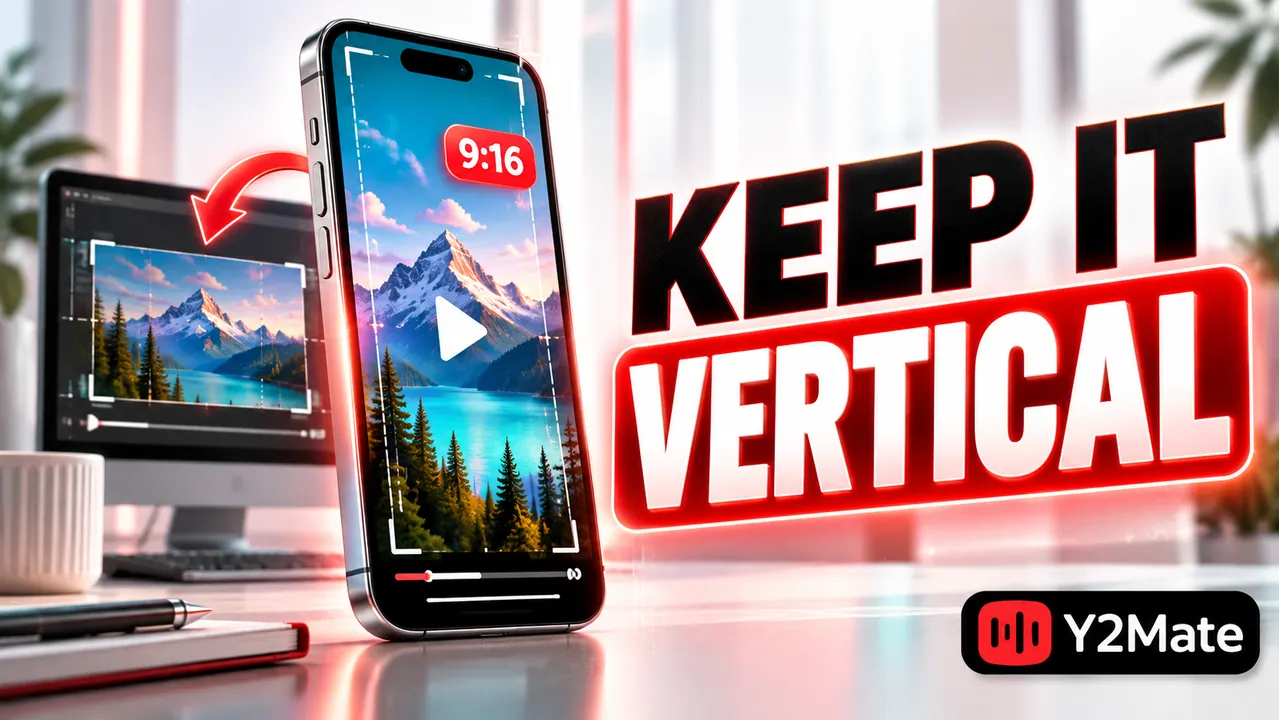
A portrait video is taller than it is wide. A landscape video is wider than it is tall. Those descriptions concern proportions, not whether the content is a short clip, a long recording, or a particular quality level.
For example, a picture that is 1080 pixels wide and 1920 pixels tall has a different shape from one that is 1920 pixels wide and 1080 pixels tall. The same pair of numbers in a different order describes a different presentation. These are illustrative dimensions, not a promise about the options available for your download.
Look at the source itself. Some uploads place a vertical recording inside a horizontal frame, leaving empty space on the sides. The surrounding frame may be part of the source, so downloading it does not necessarily remove those areas. Check the picture rather than inferring its shape from a title.
Start with the intended clip
Open the original video and confirm that it is the complete clip you want. A short result can be an excerpt from a longer upload, a re-edited version, or a preview. Compare its running time and visible content before choosing a format.
If you already have that video open, copy its video link using the source's sharing function. After pasting it, review the returned details. If the link is not accepted or the source is unavailable, do not keep changing random parts of the URL or assume that a different link grants access to restricted content.
Choose an offered video option when the picture matters. An MP3 option keeps an audio-focused output, not the visual action or on-screen text. The YouTube to MP4 page is a useful same-site starting point for this picture-first task.
Check orientation in the local player
After saving, open the file from its actual folder. Play it in the app you intend to use, rather than relying only on the thumbnail shown in a file list. A thumbnail is a single view and cannot show whether motion, sound, or orientation is correct throughout the clip.
- Does the picture appear upright without stretching people or objects?
- Is important text or action visible, rather than cut off by the player view?
- Does sound play if the source is supposed to contain audio?
- Can you reach the end of the clip without an unexpected stop?
If the picture looks wrong in one app, compare it in another compatible player before blaming the downloaded file. Player display choices can affect what you see. Keep a copy of the original saved file while investigating, and avoid repeatedly re-encoding it as an experiment.
Do not confuse black bars with missing content
Empty space around a picture can appear when the video's proportions differ from the viewing area. That may be a normal way to show the whole image without stretching it. It can also already be present inside the source recording.
Trying to fill every part of a screen can crop useful details or change proportions. For a demonstration, preserving the complete action is often more important than eliminating empty space. For a clip with captions near the edges, an aggressive cropped view can hide the text.
Compare the source and saved file at a similar viewing size. If the same empty areas exist in both, the downloader may simply be preserving the source presentation. If the saved result differs materially, check the selected output and player behavior.
Match the file to its destination
Think about where you plan to watch the clip. A phone can be convenient for portrait content, but a larger resolution is not automatically useful if the source is already soft or if the important detail is simple. The article on MP4 choices for small screens explains that balance.
When moving the clip to another device, test the transferred copy as well. A filename does not establish that every player can decode the file's contents. For desktop checking, verifying the actual file type helps separate an expected media file from an unexpected download.
Frequently asked questions
Will every short video download as portrait MP4?
No universal result should be assumed. The source's shape, available formats, accepted link, and player behavior all matter. Select a supported option and verify the local file.
Can an MP3 preserve a vertical video's action?
No. Audio cannot preserve the picture, gestures, or on-screen instructions. Choose a video option when those details are the reason you want the clip.
Should I remove side bars before saving the file?
Not automatically. They may preserve the complete image or be part of the upload. Avoid cropping or stretching simply to fill the screen, especially when text or action sits near the edges.
Finally, make sure the source is permitted for your intended download or reuse. A short running time does not remove the rights attached to its music, picture, or recording.