Why an MP3 Download Is Not Automatically in Apple Music
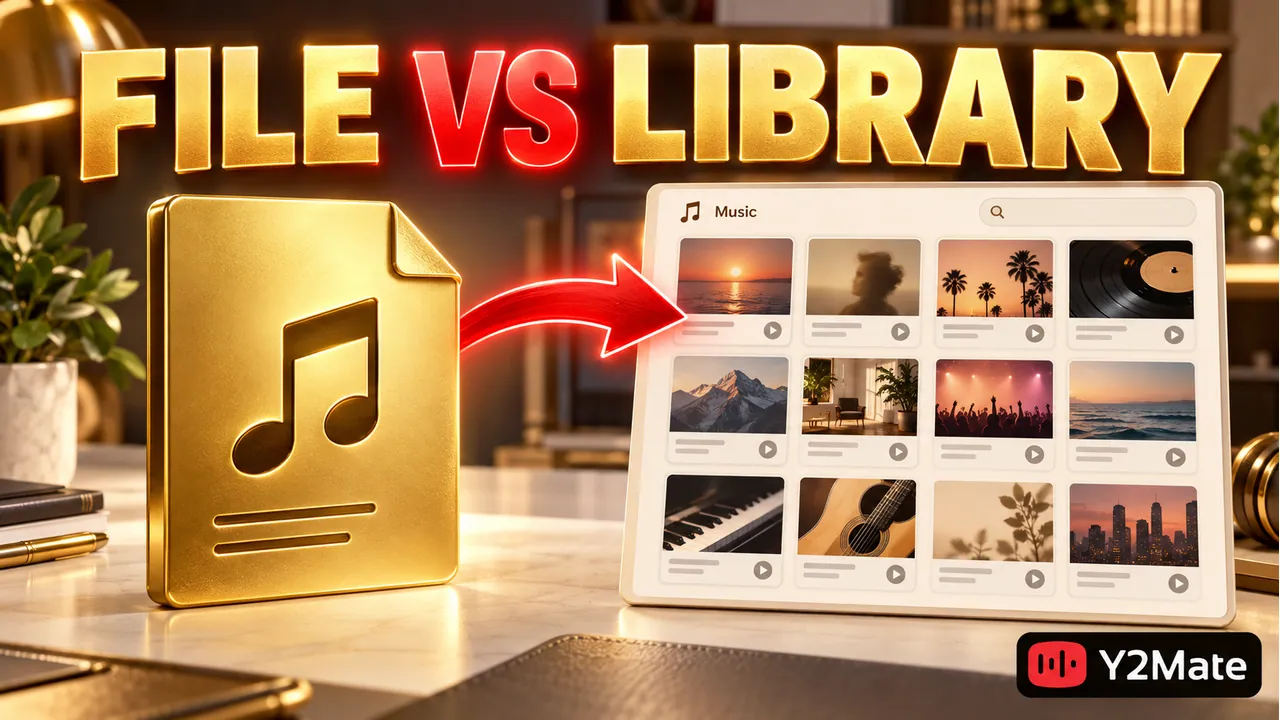
An MP3 saved by a browser is a file, while an Apple Music library is a collection managed by an application. Finishing a download with Y2Mate does not automatically register that file in every music app on your devices. If you cannot find a newly saved song in Music, locate the actual download first. You may have a complete, playable file even though no library entry has been created.
Keeping these two steps separate prevents unnecessary repeat downloads. First establish that the file exists and plays. Then use the supported import or device-management workflow for the application and platform you actually have. A download folder, a desktop music library, and a streaming catalog are different places, even when they display similar song titles.
Locate the file before opening the library
Use your browser's download list to identify the saved location, then open that folder in the file manager. Check the complete filename and whether the transfer has finished. Searching only the music app can miss a file that has never been added to its library, just as searching a playlist will not reveal every item on your computer.
If you chose an audio option through the YouTube to MP3 page, confirm that the saved item is the expected audio file. Listen to a passage and inspect its running time before importing it. There is little value in creating a polished library entry for the wrong recording or an incomplete download.
On iPhone or iPad, a browser download can be located in Files. That does not mean the Music app has received it. The iPhone local-download checklist explains why seeing a file in a cloud-backed folder is also different from confirming a local copy available without connectivity.
Use the appropriate desktop import workflow
Apple documents importing local music into the Music app on Mac. Its current instructions distinguish File > Import from File > Add To Library according to the setting that controls copying files into the Media folder. Locate the file in the import dialog and select it. You can also drag a suitable file from Finder into the Music window.
Use the controls shown by your installed version rather than expecting one universal menu on every platform. The Apple Music application on Windows and Music on Mac do not have identical interfaces. Likewise, a desktop import instruction should not be treated as an instruction to find a matching button inside iPhone Files.
Try one verified audio file before adding a whole folder. Check that the new library item plays and refers to the intended recording. If its title appears unfamiliar, inspect the file's metadata and the saved filename; the library's display name may not match your browser's download label exactly.
Understand whether the library copies or references files
A music-library entry is not always an independent second copy of the media. Application settings can determine whether importing copies audio into a managed folder or references its current location. Read the setting in your own app before clearing the download folder. Otherwise you may remove the file that the library still expects to find.
Consider a download stored in a temporary folder. You add it to the library, listen once, and then delete the temporary folder as part of a cleanup. If the library relied on the original location, its entry can remain while playback no longer works. The earlier successful listen did not prove that another full copy had been created.
A clearer approach is to choose a stable folder, confirm the application's file-management behavior, and test after any move. The download-folder checklist helps you avoid treating every saved file as disposable simply because it began in Downloads.
Keep local media and streaming availability separate
An imported file and a song found in the Apple Music streaming catalog are not interchangeable records. Their artwork or names may look alike, but that does not establish that they are the same version or that one has been substituted for the other. Compare the actual recording when the distinction matters.
Do not assume that downloading an MP3 creates a paid streaming subscription, publishes the file to a catalog, or makes it appear on every signed-in device. Any library synchronization or device transfer has its own requirements and settings. Confirm those through the application's current documentation rather than by downloading the same song repeatedly.
For iPhone, follow Apple's supported workflow for adding or syncing personal music with your particular desktop setup. There is no reason to promise a universal direct-import button from Files into Music. If your immediate goal is simply to check the download, a suitable local-file player can answer that question without changing the library.
Build a small verification routine
- Locate the saved MP3 and confirm the browser transfer finished.
- Play it once outside the library to check source identity and duration.
- Import one file with the controls supported by your installed desktop app.
- Check whether the application copied it or references its original location.
- Verify playback again before moving or deleting any original copy.
This routine keeps a missing library entry from being confused with a failed download. It also gives you a specific place to investigate: the transfer, the file itself, the import, or the application's handling of its location.
Frequently asked questions
Should I download the MP3 again if Music cannot find it?
Find and play the saved file first. If it is complete, the problem may be library import or location rather than conversion. Another transfer can create a duplicate without addressing the missing entry.
Can I remove the original after importing?
Only after verifying how your application stores the media and confirming a complete independent copy where needed. A visible library title alone does not prove that deleting the original is safe.
Does a library entry prove I have permission to reuse the music?
No. Organizing a local audio file does not grant publication or reuse rights. Check the source and applicable permission separately before including it in another project.